How to Track If an Investor Opened Your Pitch Deck
You spent weeks refining your pitch deck. You got a warm intro to a partner at a top-tier fund. You sent the email, attached the deck, and hit send. And now... silence. Did they open it? Did it land in spam? Are they passing it around the partnership, or did it get buried under 200 other emails?
This uncertainty is one of the most stressful parts of fundraising. It affects your follow-up timing, your confidence, and your ability to prioritize which investors are genuinely interested. The good news: it's a solvable problem.
Why email read receipts don't work
The first thing most founders try is requesting a read receipt. It seems logical — your email client asks the recipient to confirm they opened it. But in practice, read receipts are almost useless for this purpose.
Most email clients (Gmail, Apple Mail, Outlook) either block read receipt requests entirely or give the recipient the option to decline. Many corporate email systems strip them out automatically. Even when they do fire, they only tell you the email was opened — not that the attachment was viewed. An investor might open your email, skim two lines, and archive it. The read receipt still says "opened."
Pixel-based email tracking (the kind tools like Mailtrack or HubSpot use) is slightly more reliable but comes with its own problems. Many email clients now block tracking pixels by default. And again, it only tells you the email was opened — nothing about the attachment.
Why PDF attachments are a black box
When you send a pitch deck as a PDF attachment, it leaves your hands entirely. Once the investor downloads it, you have zero visibility. You don't know if they opened the file, glanced at the first page, or studied every slide. You don't know if they forwarded it to a colleague. You don't know if they opened it on their phone during a commute or on their desktop during a focused review session.
This isn't just an inconvenience — it actively hurts your fundraising process. Without engagement signals, you can't distinguish between "interested but busy" and "not interested at all." You either follow up too aggressively with investors who already passed mentally, or too passively with investors who are genuinely intrigued and waiting for your next move.
The single most valuable signal in fundraising is whether someone actually looked at what you sent them. Everything else — the follow-up, the timing, the ask — flows from that.
The modern approach: shareable links with built-in analytics
The solution is surprisingly straightforward: instead of attaching a file, share a link. When recipients view your deck through that link, you get analytics automatically — no tracking pixels, no read receipts, no guesswork.
This is what platforms like SendDeck are built for. Instead of emailing a PDF, you share a link like senddeck.ai/d/acme-series-a. When the investor clicks it, your deck loads in their browser. And you see exactly who opened it, when they opened it, what device they were using, and how many times they came back.
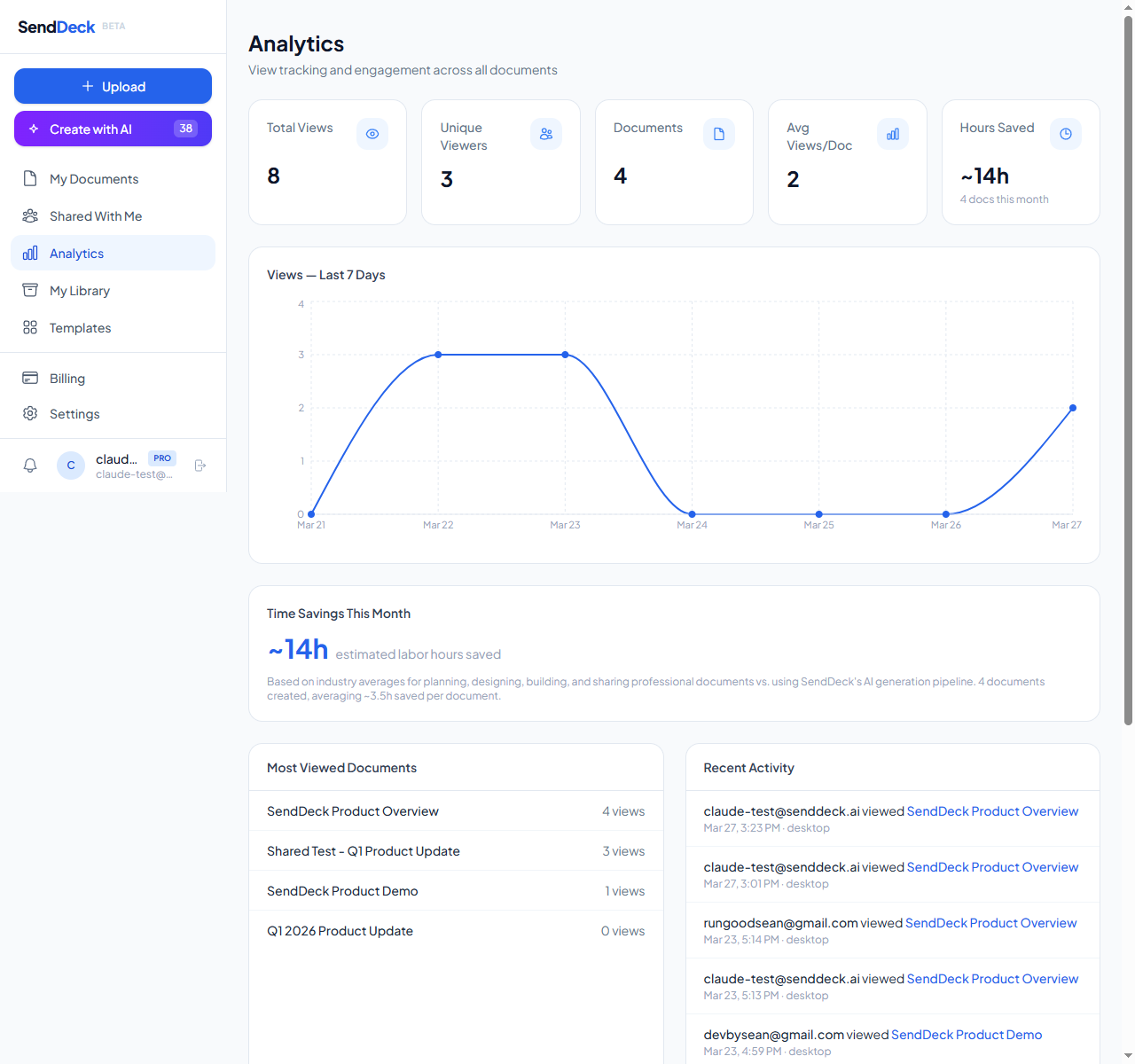
Per-viewer analytics: see who opened your deck, when, from what device, and how many times
What you can actually track
Here's what per-viewer analytics in SendDeck give you for each document view:
- Who opened it — identified by the link you shared or email-gated access
- When they opened it — exact timestamp of each view
- What device they used — desktop, mobile, tablet, plus browser info
- Where they came from — referrer data showing how they found the link
- How many times they viewed it — repeat views are a strong signal of interest
- View count trends — see engagement patterns over time
That last point is especially useful. An investor who opens your deck three times in one week is sending a very different signal than one who opened it once and never returned. Repeat views often correlate with internal discussions — they're reviewing it again before a partner meeting.
How to set it up (step by step)
Getting started takes about two minutes:
- Upload your deck — drag and drop your HTML file into SendDeck, or use the AI generator to create an interactive version from your existing materials
- Choose your slug — pick a clean, memorable URL like senddeck.ai/d/acme-series-a
- Set access controls — add password protection if you need confidentiality, set link expiry dates, or limit the total number of views
- Share the link — send it in your email instead of attaching a file
- Check your analytics — see who viewed it, when, and how many times from your dashboard
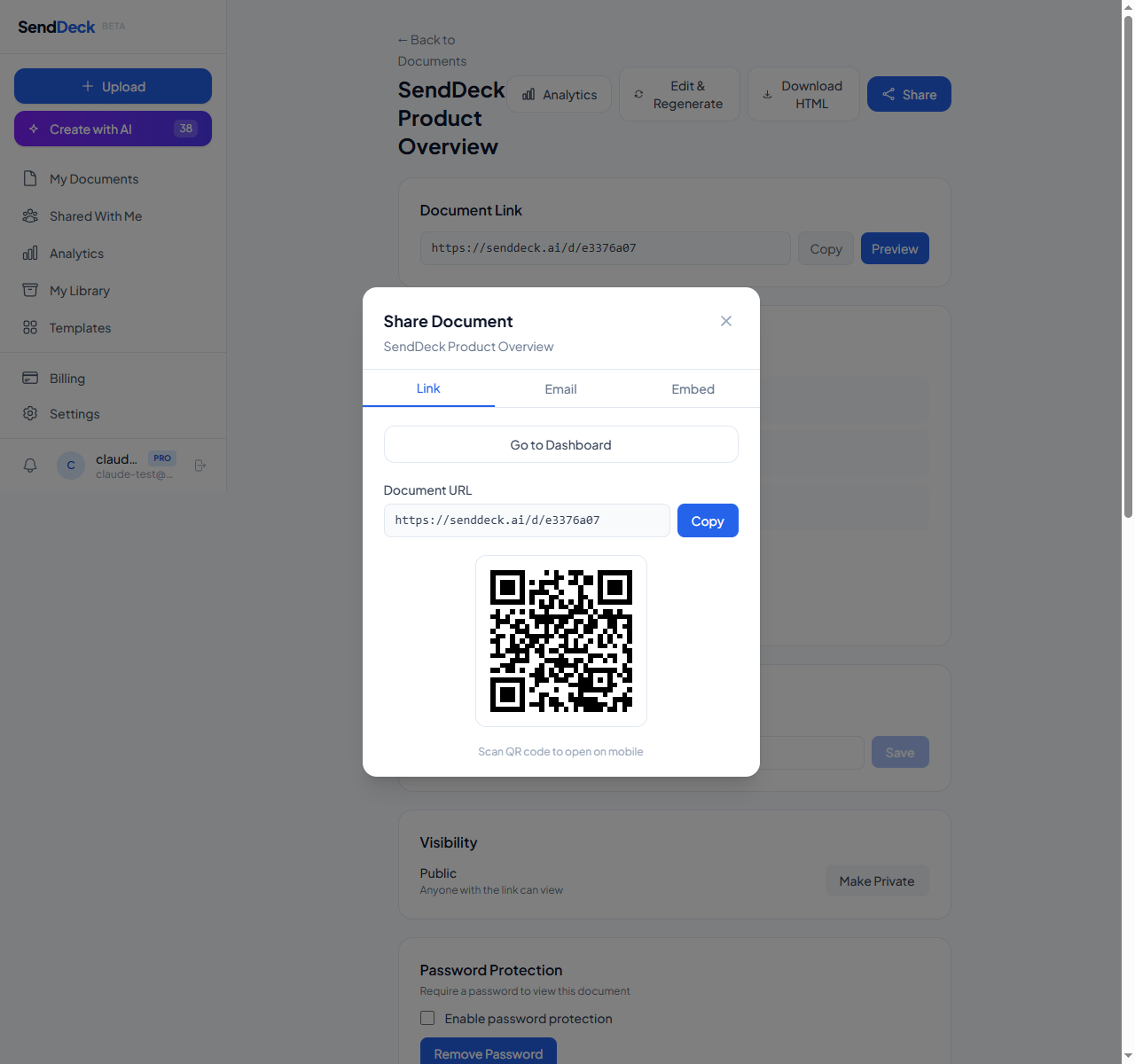
Share with a clean branded link — add password protection for confidential decks
Pro tips for fundraising founders
Use unique links per investor. Instead of sharing one link with everyone, create your deck with a different slug for each investor or firm. Something like senddeck.ai/d/deck-sequoia and senddeck.ai/d/deck-a16z. This way, you know exactly which firm is engaging, even if multiple people at the same firm view it.
Use password protection for confidential decks. If your deck contains sensitive financial data or projections you don't want shared freely, password-protect it. You can share the password in your email and the link in your message — anyone who forwards the link still needs the password to view.
Set link expiry for time-sensitive rounds. If you're running a tight fundraising process, set links to expire after your target close date. This creates natural urgency and ensures outdated versions of your deck aren't floating around months later.
Watch for repeat views before following up. If you see an investor open your deck two or three times in a few days, that's your cue. They're interested. Follow up while the momentum is there — reference something specific from the deck to show you're paying attention.
Consider making your deck interactive
One advantage of sharing via link rather than attachment: your deck doesn't have to be a static PDF. HTML pitch decks can include animated charts, responsive layouts that look great on any device, smooth transitions between sections, and interactive elements that make data easier to explore.
If you don't have an HTML version of your deck, SendDeck's AI generation can create one from your existing materials. Paste in your content, pick a style, and it generates a complete interactive document in minutes. It's not a template — it builds a custom layout tailored to your content.
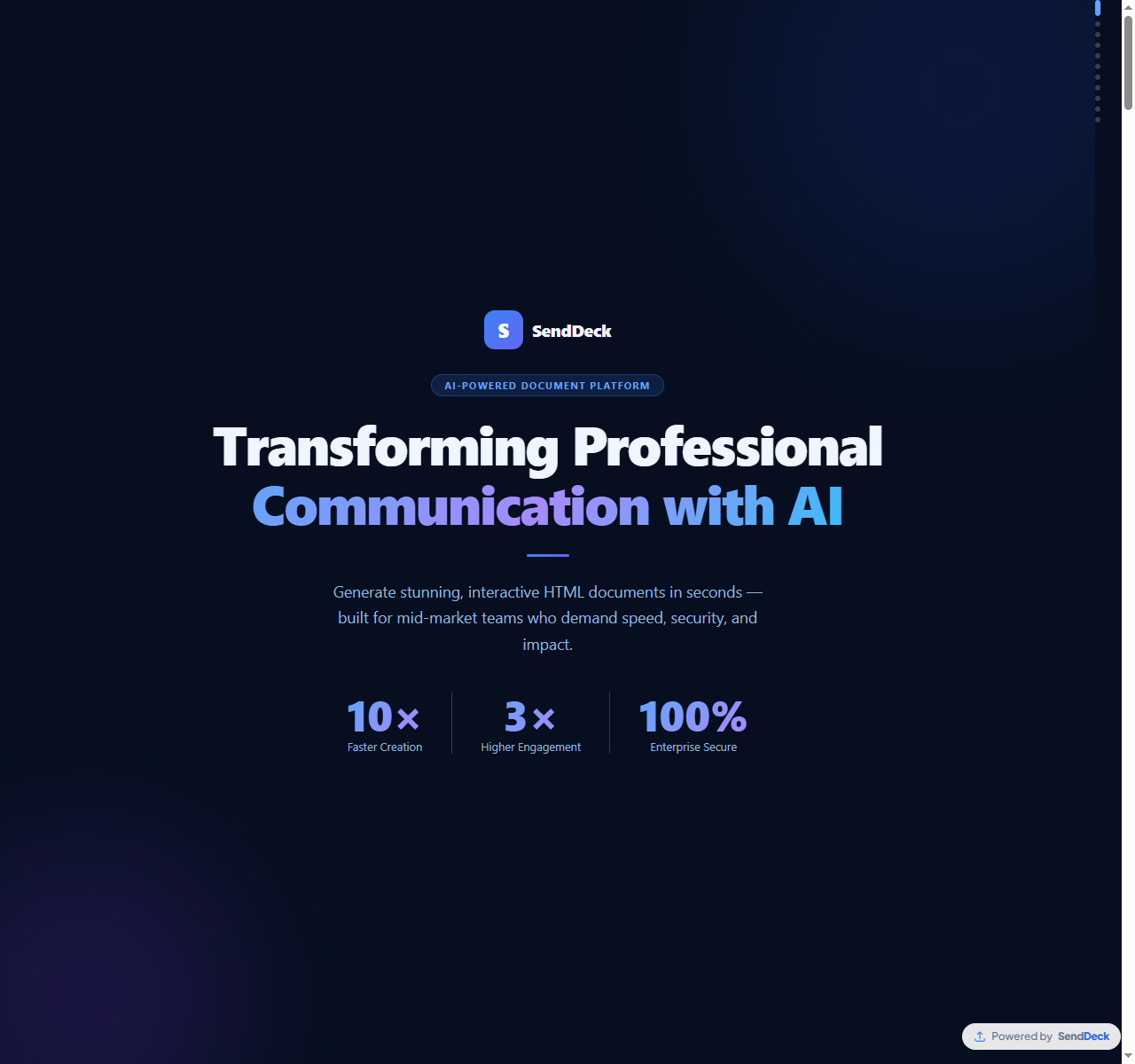
Turn your source material into a polished interactive deck with AI — no design skills needed
The bottom line
Fundraising is hard enough without flying blind. Knowing whether investors actually opened your deck — and how many times they came back to it — gives you the signal you need to time your follow-ups, prioritize your pipeline, and focus your energy on the conversations most likely to lead somewhere.
The switch from "attach and hope" to "share a link and track" takes two minutes to set up and permanently changes how much visibility you have into your fundraising process.
Share your pitch deck with per-viewer analytics. Upload or generate with AI — free to start, no credit card required.
Try SendDeck Free