SendDeck vs DocSend: Which Document Sharing Platform Is Right for You?
If you share pitch decks, proposals, or reports as part of your job, you've probably run into the same frustration: email attachments get lost, file versions multiply, and you never know if anyone actually opened what you sent. Document sharing platforms solve this by giving you a trackable link instead of a dumb file attachment.
Two platforms that take very different approaches to this problem are DocSend (now part of Dropbox) and SendDeck. Both let you share documents via links and track views, but the underlying philosophy — and what you can actually do with each — differs significantly.
This is an honest comparison. DocSend is an established product with features we don't have. SendDeck does things DocSend can't. The right choice depends entirely on your workflow.
The core difference: PDF vs HTML
DocSend is built around PDFs. You upload a PDF, get a link, and recipients view it in DocSend's PDF viewer. It's a proven model that works well for traditional document workflows — sales proposals, NDAs, investor updates.
SendDeck is built around HTML. You upload an HTML file (or generate one with AI), get a branded link, and recipients view a fully interactive document in their browser. Charts can animate, sections can expand, layouts respond to screen size, and the whole experience feels more like visiting a polished webpage than reading a static file.
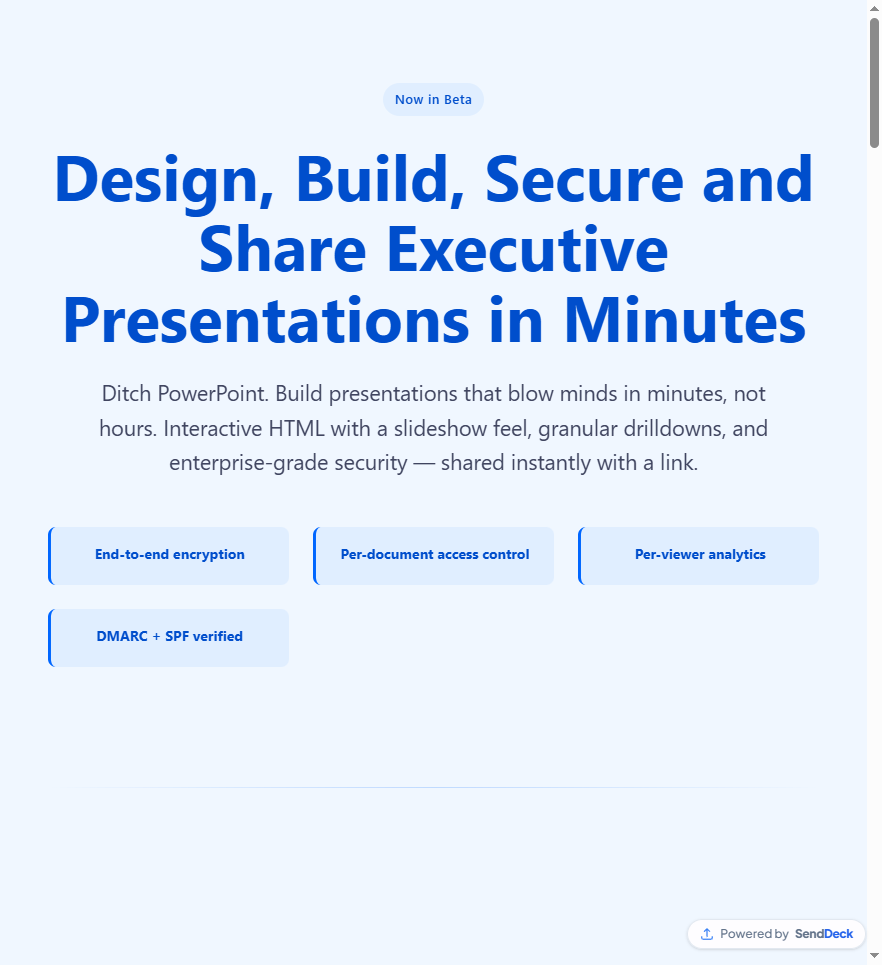
An interactive HTML document in SendDeck's viewer — responsive and alive on any device
The format question isn't just cosmetic. It determines what's possible for the people receiving your documents.
Feature comparison
Here's a side-by-side look at the key features. We're being straightforward about what each platform does and doesn't offer.
| Feature | DocSend | SendDeck |
|---|---|---|
| Document format | PDF, PowerPoint, Word | HTML (interactive, responsive) |
| AI document generation | No | Yes — generate from source material |
| Per-viewer analytics | Yes — page-level tracking | Yes — who opened, when, device, view count |
| E-signatures | Yes (built-in) | No |
| Password protection | Yes | Yes |
| Link expiry | Yes | Yes |
| Custom slugs / branded URLs | Limited | Yes — senddeck.ai/d/your-slug |
| Embed codes | No | Yes (Pro+) |
| Custom subdomains | No | Yes (Pro+) |
| Max view limits | No | Yes |
| NDA / legal workflows | Yes (NDA before viewing) | No |
| Data rooms | Yes | No |
| Free tier | No (14-day trial) | Yes — free forever tier |
| Starting price | $15/user/month (Personal) | $5/month (Plus) or free |
Where DocSend wins
DocSend is the stronger choice if your workflow revolves around traditional documents. If you need e-signatures built into your sharing flow, DocSend has that and SendDeck doesn't. If you need virtual data rooms for due diligence — where investors access a controlled folder of documents with granular permissions — DocSend handles that natively.
DocSend also benefits from deep Dropbox integration. If your team already lives in the Dropbox ecosystem, the seamless file syncing and shared workspaces are a genuine advantage. And if you need NDAs signed before someone can view a document, that's a DocSend feature we don't replicate.
For legal, compliance, and heavily PDF-centric workflows, DocSend is the more mature tool.
Where SendDeck wins
SendDeck's advantage is the format itself. HTML documents are interactive — they can include animated charts, scroll-triggered transitions, expandable sections, embedded video, and responsive layouts that adapt to any screen size. A pitch deck viewed on SendDeck feels fundamentally different from a PDF.
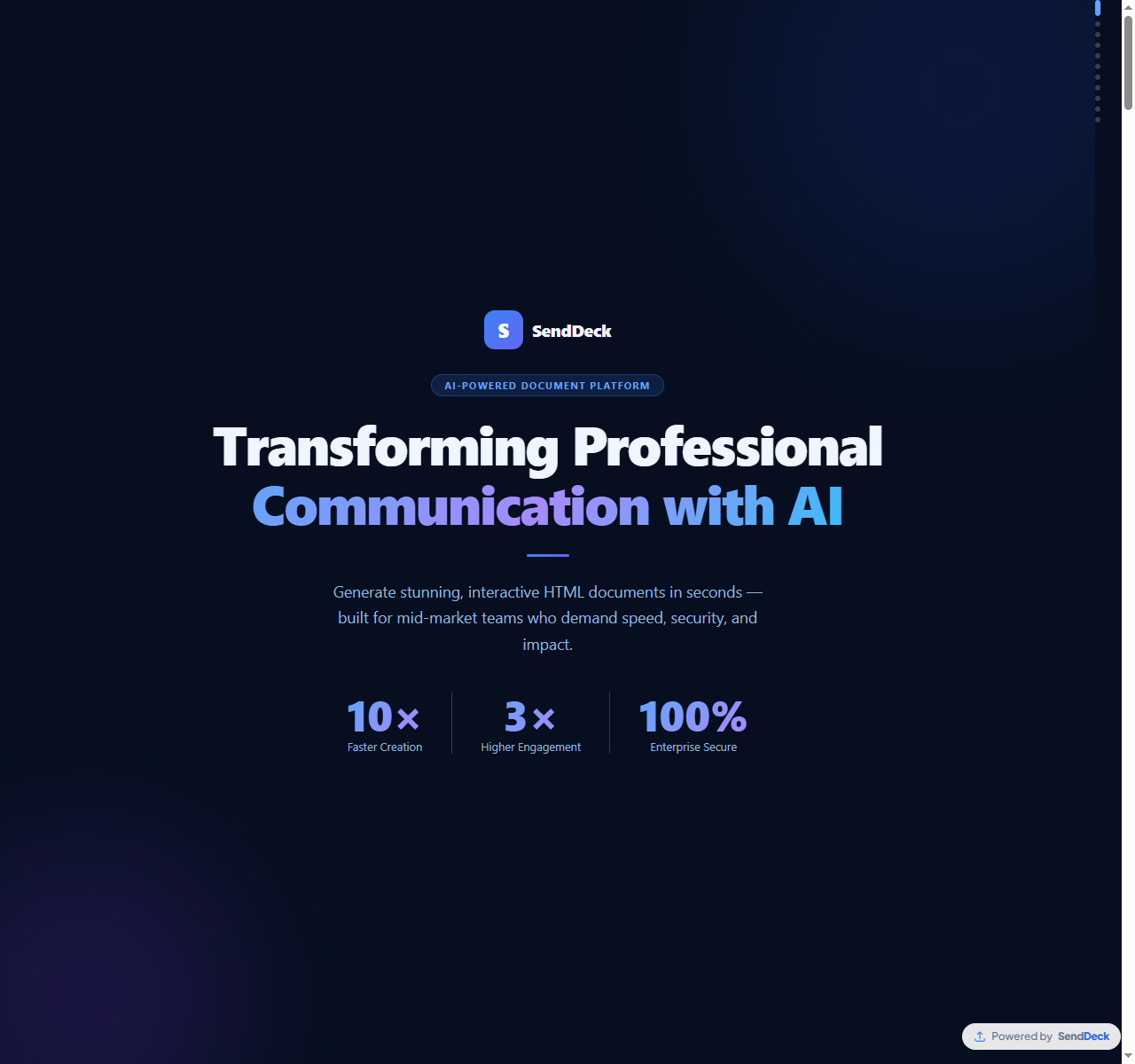
AI-generated documents with interactive elements — built in minutes from your source material
The AI generation pipeline is a major differentiator. You can paste in notes, data, or an outline, and SendDeck generates a complete, polished HTML document with layout, hierarchy, and interactivity built in. DocSend requires you to bring a finished document; SendDeck can help you create one.
Pricing is also straightforward. SendDeck has a genuinely free tier — not a trial that expires. And the paid tiers start at $5/month for Plus, compared to DocSend's $15/user/month starting point. For solo founders, freelancers, or small teams, that difference is significant.
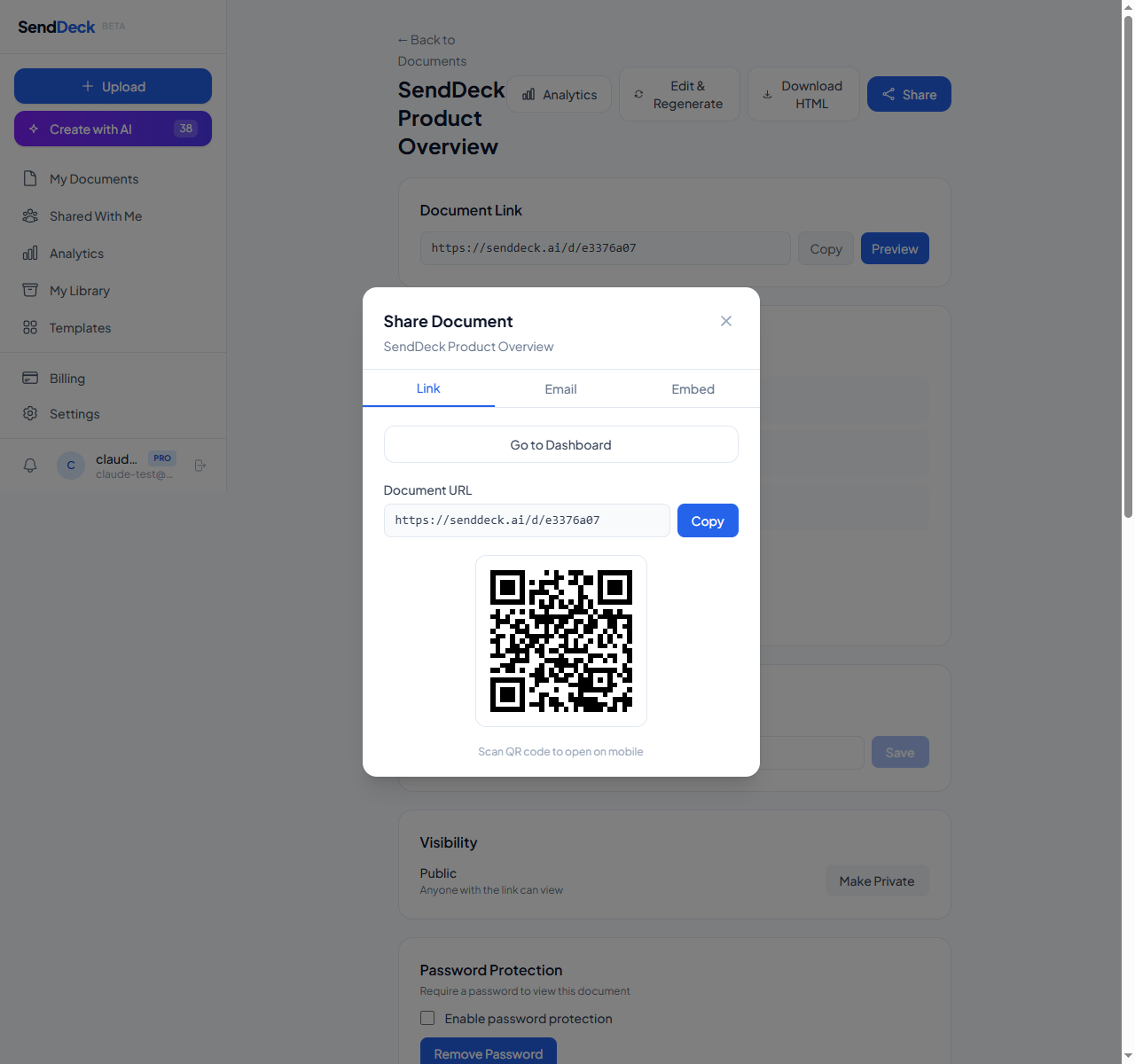
Clean branded URLs like senddeck.ai/d/your-slug — memorable and professional
Analytics: different approaches
Both platforms offer per-viewer analytics, but the scope is different. DocSend tracks page-by-page engagement within PDFs — you can see which pages a viewer spent time on. SendDeck tracks at the view level: who opened your document, when they opened it, what device and browser they used, where they came from, and how many times they've returned. Both give you the critical signal of whether someone actually engaged with what you sent.
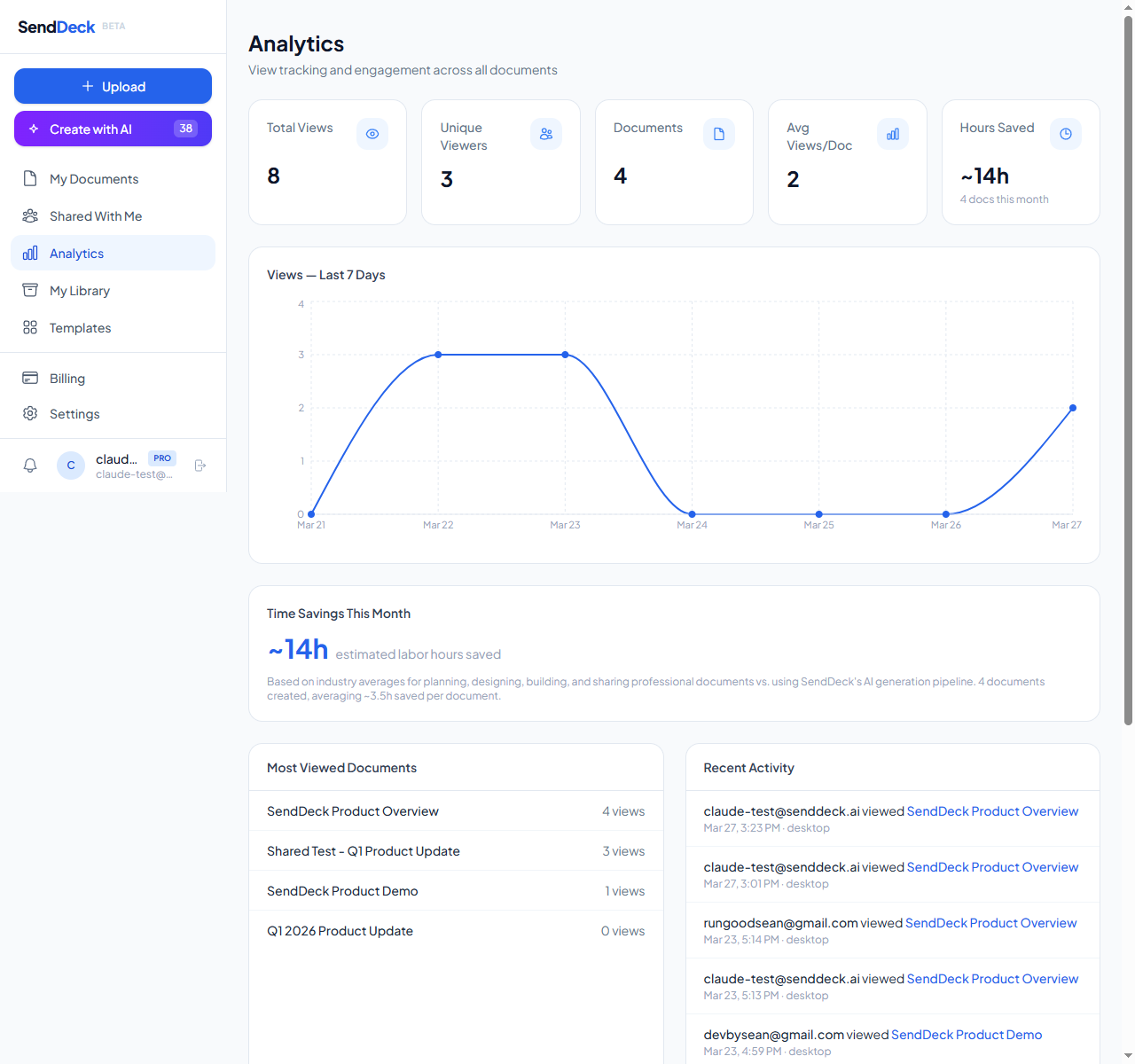
Per-viewer analytics: see who opened your document, when, and from what device
Who should use what
Choose DocSend if: you primarily share PDFs and Word documents, you need built-in e-signatures, you require virtual data rooms for fundraising or M&A, or your team already uses Dropbox and wants tight integration.
Choose SendDeck if: you want to share interactive, visually rich documents that go beyond static PDFs. If you want AI to help you create those documents from scratch. If you need a free tier or more affordable pricing. If you want branded URLs, embed codes, and the ability to set max view limits or link expiry on your shared documents.
There's no universal winner here. The right platform depends on whether your documents are static files that need to be tracked and signed, or dynamic presentations that need to impress and engage.
See the difference interactive documents make. Upload your first HTML file or generate one with AI — free to start, no credit card required.
Try SendDeck Free