SendDeck vs Gamma: Honest Comparison of AI Presentation Tools
Gamma and SendDeck are both AI-powered tools for creating presentations, documents, and one-pagers faster than you could build them by hand. Both sit in the "AI generates the first draft, you polish" space. Both have free tiers. Both ship polished output that looks nothing like a 2015-era slide deck.
But the two products are built around different philosophies — and those differences matter more than a feature checklist can capture. This post is an honest walkthrough of where each tool is strong, where each is weaker, and how to decide which one fits your workflow.
The core difference: design-first cards vs document-first HTML
Gamma's model is card-based. You describe what you want, Gamma produces a sequence of beautifully designed cards — each one a layout of text, images, and occasional interactive elements. Users swipe or scroll through the cards in Gamma's viewer. The aesthetic is deliberately high-design: generous whitespace, bold typography, tasteful illustrations. It feels like a modern magazine more than a slide deck.
SendDeck's model is document-first. The output is an interactive HTML document with a shareable link — more like a polished microsite than a sequence of cards. You can structure it as a pitch deck, a report, a one-pager, a case study, or whatever the content needs. Charts animate, sections expand, and the layout adapts from phone to desktop without any viewer-specific rendering.
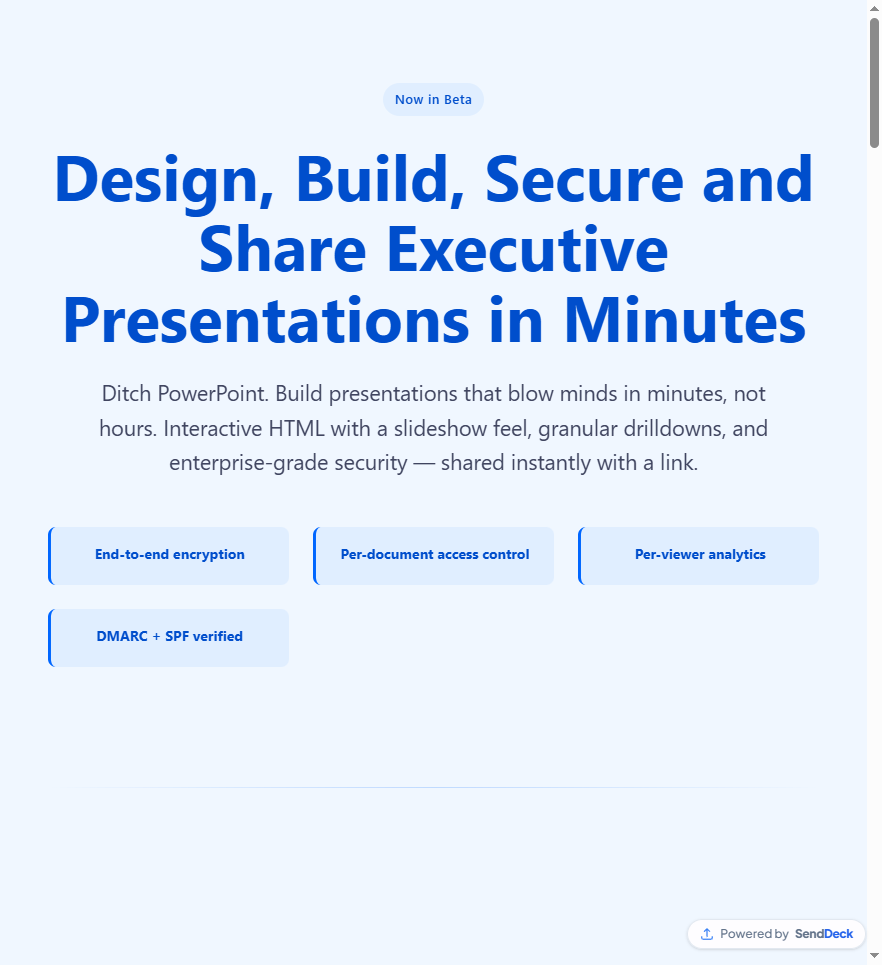
SendDeck produces a shareable HTML document — responsive by default, viewable anywhere a browser works
Gamma is optimized for beautiful card sequences inside its own viewer. SendDeck is optimized for interactive HTML documents shared via branded URLs.
What each tool is actually optimized for
Gamma is optimized for aesthetics and in-viewer experience. The cards look great. The default design system is genuinely strong. If your goal is "make something that looks designed without hiring a designer," Gamma does that really well.
SendDeck is optimized for the end-to-end sharing workflow — generating the document, getting a branded link, sending it, and knowing who opened it. The focus is less on being the most beautiful tool in the category and more on being the most useful for people whose workflow depends on sharing documents by link and tracking engagement.
Feature comparison
Here's how the two compare on the features people ask about most. This is based on publicly available information as of early 2026.
| Feature | Gamma | SendDeck |
|---|---|---|
| Output format | Card-based decks in Gamma's viewer | Interactive HTML documents with branded links |
| AI generation from prompt | Yes | Yes |
| Default design quality | High — design-forward out of the box | Clean and modern — HTML-native styling |
| Per-viewer analytics | Yes (paid tiers) | Yes — who opened, when, device, view count |
| Mobile-responsive output | Yes — within Gamma's viewer | Yes — native HTML, renders anywhere |
| Custom branded URLs | Limited | Yes — senddeck.ai/d/your-slug |
| Export to PowerPoint / PDF | Yes (paid tiers) | Not the primary workflow |
| Interactive elements (expanders, embeds) | Built-in card types | Full HTML flexibility |
| Password protection + link expiry | Limited (paid tiers) | Yes |
| Free tier | Yes — credit-limited | Yes — free forever, no credit card |
| Lock-in to proprietary viewer | Yes — best experience is in Gamma's viewer | No — output is standard HTML |
Where Gamma wins
Gamma's design quality is genuinely impressive. The default cards look polished in a way that took entire design teams to produce a few years ago. If you want beautiful output without making a single design decision, Gamma is very hard to beat.
It's also the better choice if your audience is comfortable using a dedicated viewer. Gamma's card-based navigation encourages sequential consumption — click, click, click — which works well for keynote-style content where you want to control pacing.
If you need PowerPoint export as a primary workflow (for collaborators who still live in the Microsoft ecosystem), Gamma handles that on its paid tiers.
Where SendDeck wins
SendDeck's advantage is the "send a link and know what happens" motion. Because the output is standard HTML, recipients don't need to log in, download a viewer, or learn a new interface. They click the link, the document loads, and you get analytics on every view.
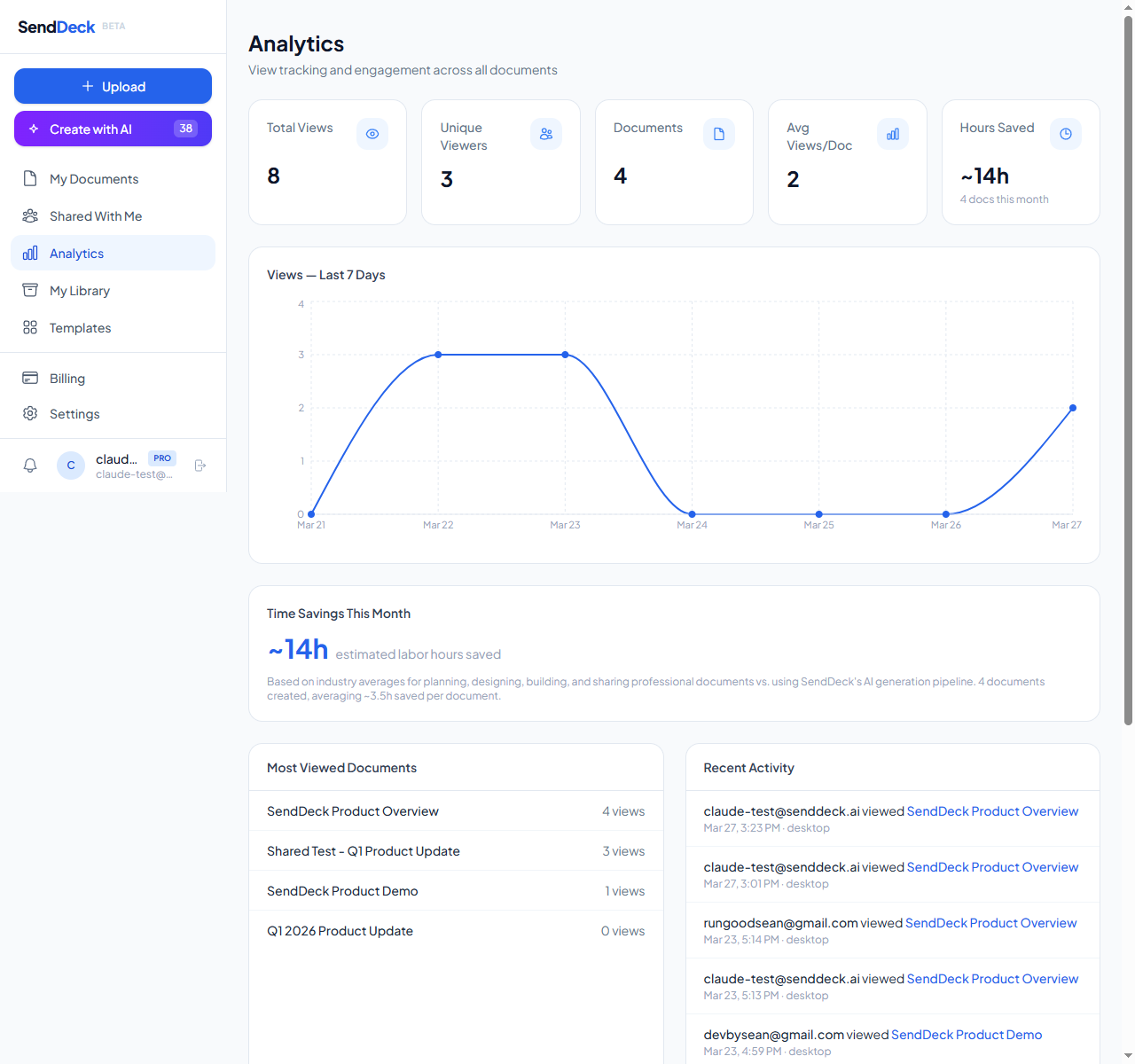
Per-viewer analytics: see who opened your document, when, and from what device
The HTML output also means there's no viewer lock-in. If you ever need to migrate away from SendDeck, you keep the document and it still works. Gamma's best experience lives inside Gamma's interface — the exported versions are fine but miss the interactive bits.
Pricing is straightforward. SendDeck has a genuinely free tier — no expiration, no credit card, no nagging upgrade prompts inside the free version. The paid tiers start at $5/month, which is notably lower than most competitors' entry pricing. For solo founders and small teams, that difference compounds fast.
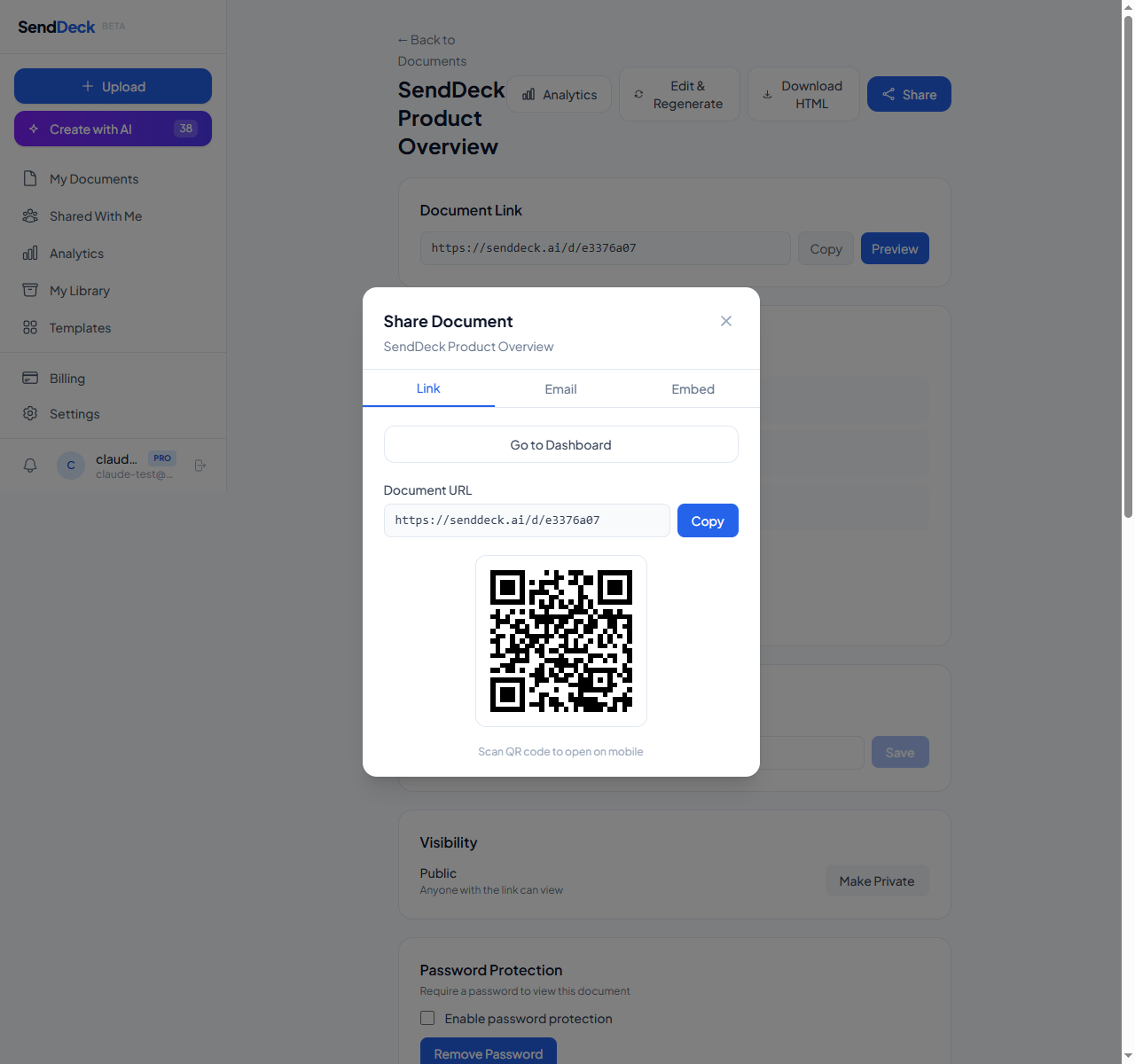
Branded share URLs at senddeck.ai/d/your-slug — memorable and professional
The honest verdict
Both tools are legitimately good at what they're designed for. The right choice depends on which part of the workflow you're optimizing.
Pick Gamma if: you want the highest default design quality in the category, you're comfortable delivering content through a dedicated viewer, you need PowerPoint export as a core flow, or your audience will consume the content sequentially as a card-based deck.
Pick SendDeck if: you share documents by link rather than as files, you want per-viewer analytics without paying for higher tiers, you care about no-lock-in HTML output, you want branded URLs, or you want a genuinely free-forever starting point to try the workflow before paying.
Try it for yourself
Both tools have free tiers, so you can evaluate them side by side. The fastest way to decide is to take a document you actually need to send — a pitch deck, a proposal, a client report — and try building it in each tool. See which one produces output that matches what you want to send.
Generate your first interactive HTML document in minutes. Free forever, no credit card required.
Try SendDeck Free