SendDeck vs Slidespeak: Honest Comparison of AI Presentation Tools
If you're evaluating AI presentation tools, you've probably come across both Slidespeak and SendDeck. Both use AI to help you build slide decks faster. Both have free tiers. Both promise to save you from the blank-slide problem.
But the two products are built around different assumptions about what presentations are and how they get shared. This post is a straightforward comparison — where each tool shines, where each falls short, and which one is right for your workflow.
The core difference: slides vs interactive documents
Slidespeak generates PowerPoint-style decks from prompts. You describe what you want, it produces slides you can export to PowerPoint or PDF and present the traditional way. It sits in the same workflow as Google Slides, Keynote, or PowerPoint itself — a tool for building static slide files you then open and present.
SendDeck generates interactive HTML documents. The output isn't a slide file you download — it's a living web page with a shareable link. Charts can animate, sections can expand, layouts respond to screen size, and the whole experience behaves like a polished website rather than a stack of static slides.
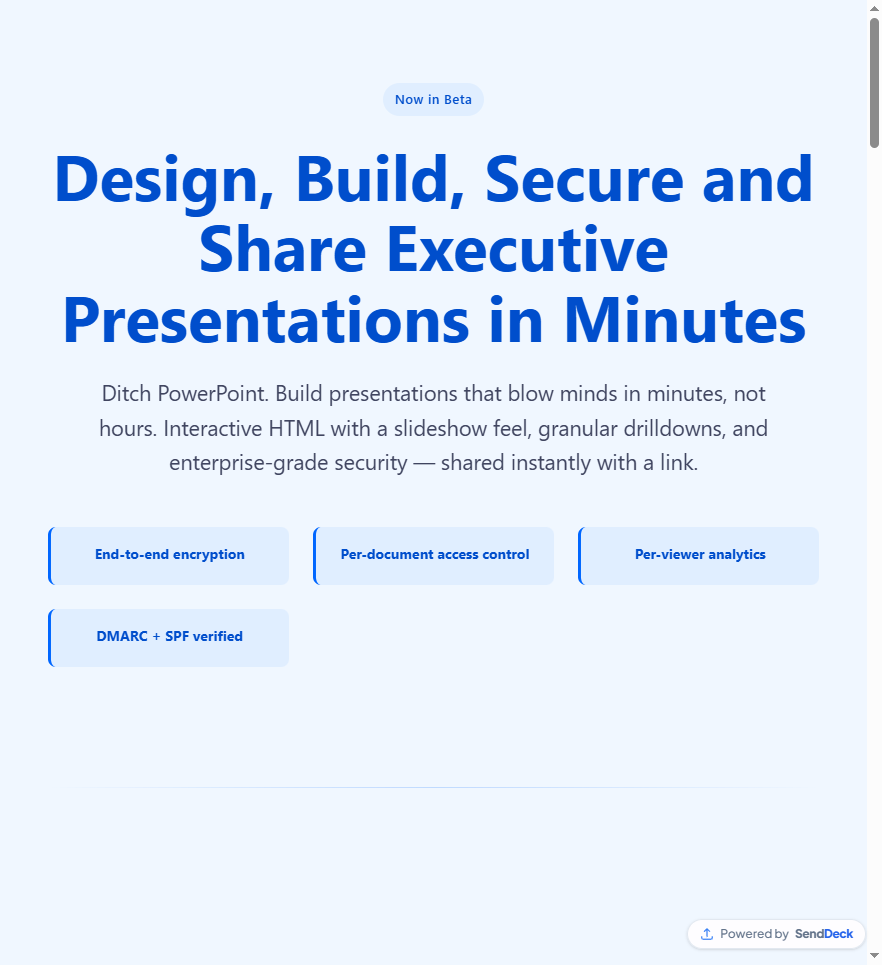
SendDeck output is a living web page with a shareable link, not a slide file
The format question matters more than people expect. Slides are for presenting in a room. HTML documents are for sharing in a link.
What each tool is actually optimized for
Slidespeak is optimized for the moment you stand up in front of a group and click through slides. The output is a deck you can drop into PowerPoint, adjust, and project. If your workflow ends with a live presentation in a room or a screen-share meeting, that model fits well.
SendDeck is optimized for asynchronous sharing — sending a pitch deck to an investor who'll read it on their phone, dropping a report to a client who wants to click through at their own pace, or publishing an interactive one-pager that lives at a branded URL. The focus is on what happens after you hit "share."
Feature comparison
Here's how the two stack up on the features people ask about most. This is based on publicly available information — if anything has changed on the Slidespeak side, the spirit of the comparison still holds.
| Feature | Slidespeak | SendDeck |
|---|---|---|
| Output format | PowerPoint slides, PDF export | Interactive HTML documents with shareable links |
| AI generation from prompt | Yes | Yes |
| Per-viewer analytics | Limited (post-export tracking is manual) | Yes — who opened, when, device, view count |
| Branded share URL | Not the core model | Yes — senddeck.ai/d/your-slug |
| Mobile-responsive output | Depends on the PowerPoint viewer | Built-in — responsive by design |
| Interactive elements (charts, expanders) | Static slide content | Yes — animated charts, expandable sections, embeds |
| Link-based sharing with view tracking | No (workflow ends at export) | Yes |
| Password protection + link expiry | Not applicable to exported files | Yes |
| Free tier | Yes — limited generations | Yes — free forever tier with no credit card |
| Upload your own source material | Yes | Yes |
Where Slidespeak wins
If your workflow ends with PowerPoint, Slidespeak is a cleaner fit. You generate a deck, export it, and drop it into whatever slide tool you already use. The exported file is yours — no link dependency, no platform lock-in for the delivery side.
It's also the better choice if you're presenting live and need to edit slides on the fly in PowerPoint's native environment. The tool produces standard .pptx files, which means you can hand the output to designers, marketers, or executives who still live in the PowerPoint world.
Where SendDeck wins
SendDeck is built for a different motion — the "send a link and track what happens" workflow. If you're a founder sharing pitch decks with investors, a consultant sending reports to clients, or a sales team distributing proposals, the advantage is that you know exactly who opened your document, when, and on what device.
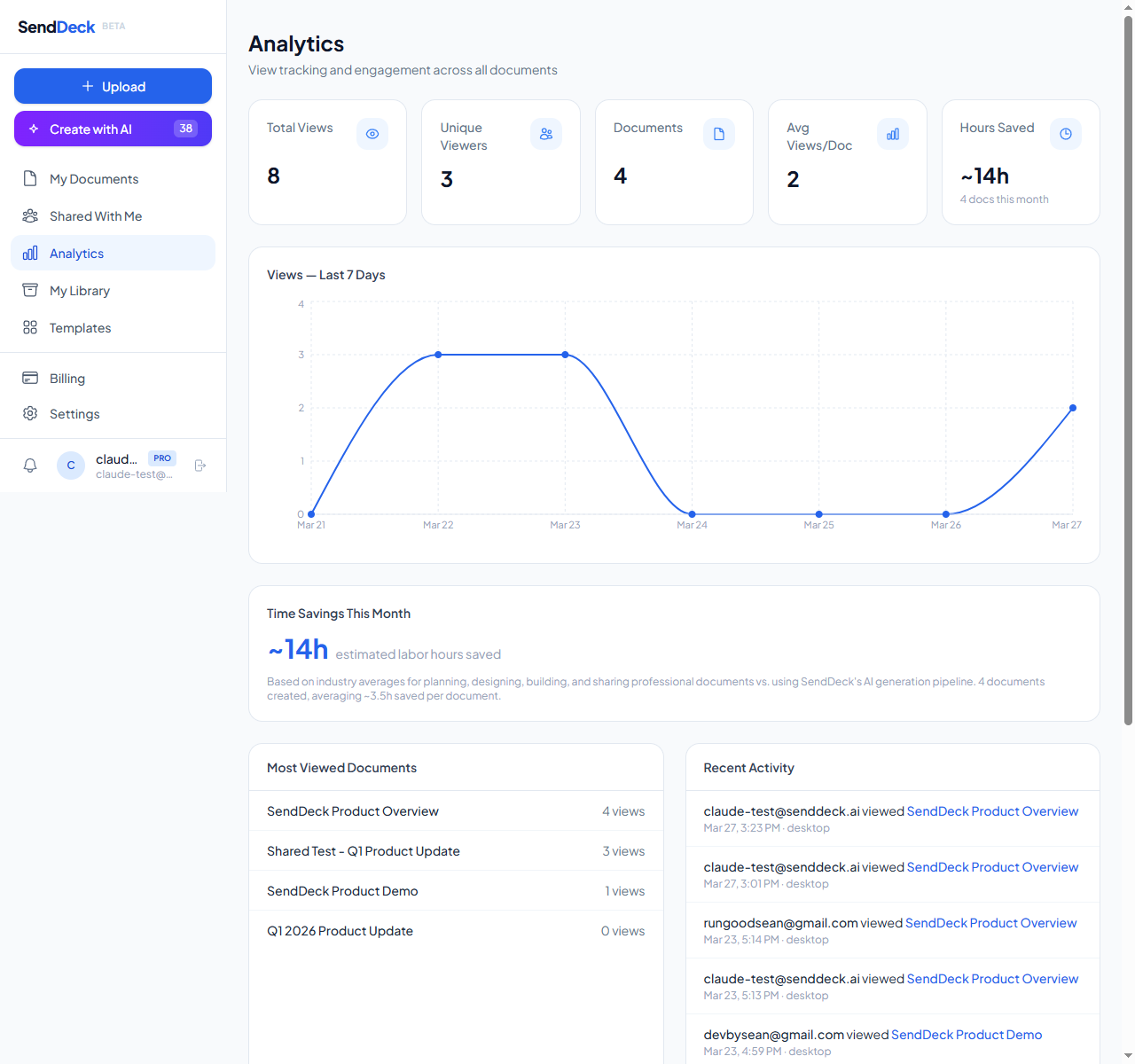
Per-viewer analytics: see who opened your document, when, and from what device
Because the output is HTML, the recipient experience is fundamentally richer. Interactive charts respond to hover, sections expand on click, images load progressively, and the layout adapts from phone to 4K monitor. It's the difference between emailing someone a PDF attachment and sending them a polished microsite.
Pricing also favors SendDeck for solo users and small teams. The free tier is free forever, not a 14-day trial. Paid plans start low and scale with usage rather than per seat.
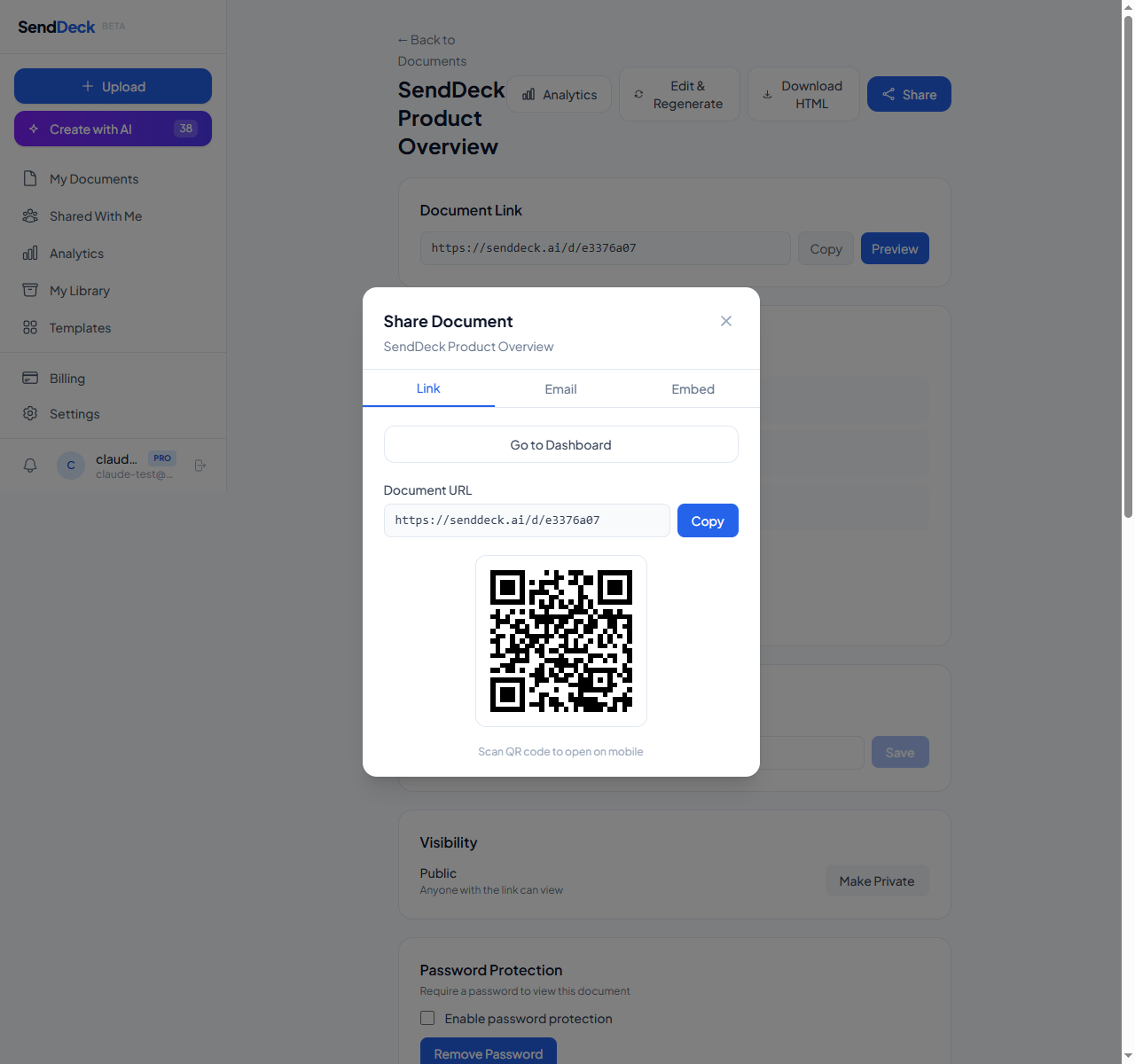
Clean branded URLs like senddeck.ai/d/your-slug — memorable and professional
The honest verdict
Neither tool is universally better. They solve adjacent problems with genuinely different philosophies.
Pick Slidespeak if: you need PowerPoint files at the end of the process, you present live in meetings or conferences, you need native compatibility with existing slide workflows, or your deliverable is a downloadable deck.
Pick SendDeck if: you share documents via link rather than attachment, you want per-viewer analytics without leaving your core tool, you care about mobile-responsive presentation, you want interactive elements in the output, or you want a genuinely free tier to get started.
Try it for yourself
The fastest way to decide is to actually try both. SendDeck has a free tier with no credit card required — you can generate a document, get a shareable link, and see the interactive output in a few minutes. If the format fits your workflow, great. If you need PowerPoint files instead, Slidespeak is there.
Generate your first interactive HTML document in minutes. Free to start, no credit card required.
Try SendDeck Free